

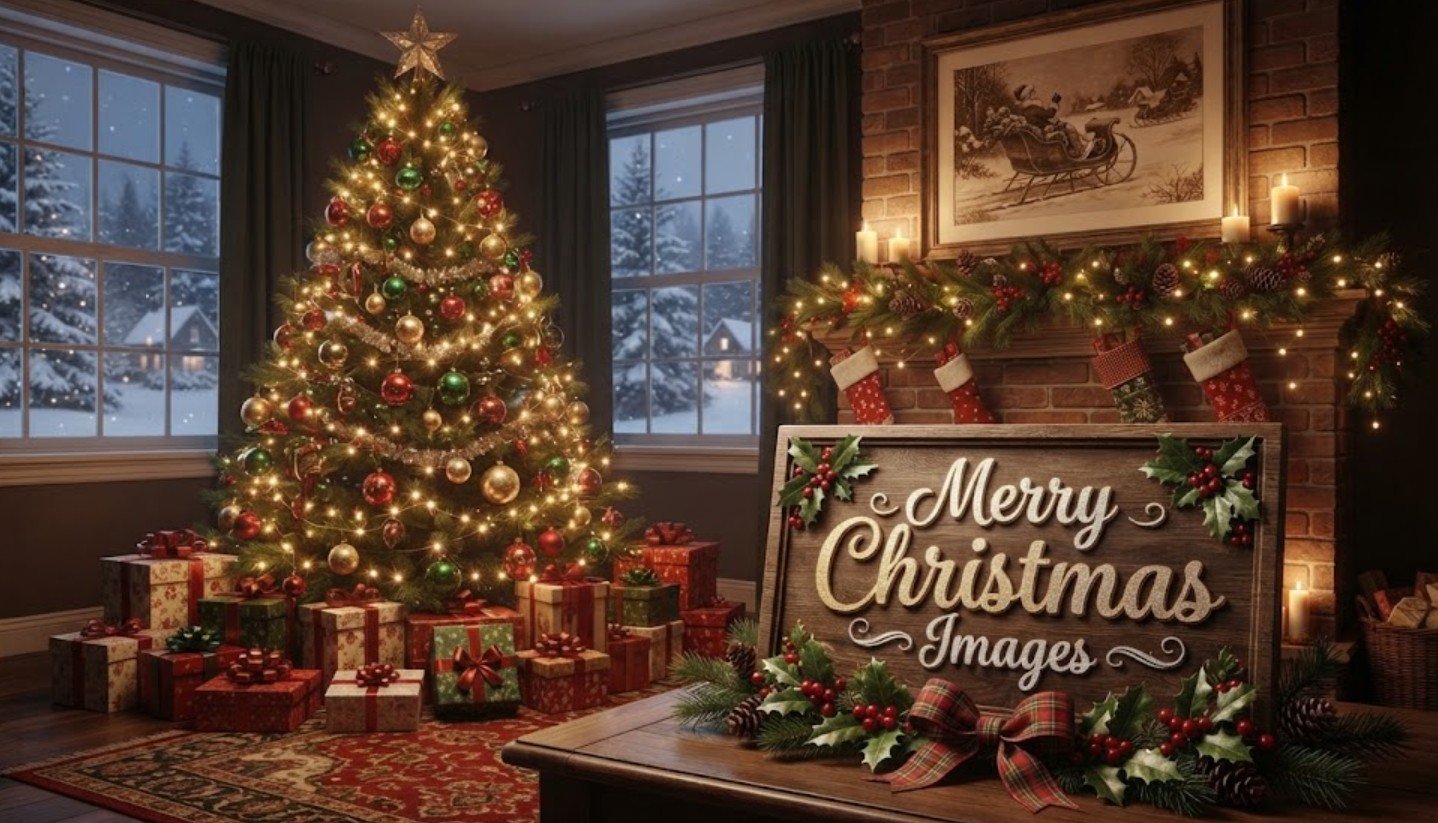
Every December, phones fill up with the same thing: glowing trees, snowy windows, and short greetings sent to dozens of people at once. Merry christmas images have become the easiest way to say “I’m thinking of you” when a long message isn’t possible. A good picture takes a few seconds to send, and it often lands better than plain text.
The trouble is that most people grab the first image they see. Some are blurry, some are stamped with someone else’s watermark, and some look nothing like the person sending them. This guide covers how to pick better pictures, where to find them legally, and how to use them for everything from a christmas wallpaper to a family card. It also looks at how two very different films, a stop-motion classic and a family comedy, still shape how people decorate.
Why Merry Christmas Images Still Matter
People have always sent pictures at Christmas. Printed cards became popular in the Victorian era, and the habit just moved to screens. Today a shared image does the same job as a card on the mantel: it says you remembered.
There is also a practical reason. A picture works across languages and age groups. Your grandmother may not read a long text on her phone, but she will open a photo of a lit tree. Colleagues in different countries can swap the same image without worrying about wording or tone.
Quality matters more than most people think. A sharp image with good lighting feels thoughtful, while a pixelated one with a crooked crop can feel like a chain message. Spending two extra minutes on the choice is usually enough to tell the difference.
Popular Styles of Merry Christmas Images

Most seasonal pictures fall into a few groups, and knowing them helps you choose faster. Traditional images use red, green, and gold, with ornaments, candles, wreaths, and pine branches. Winter scenes lean on snow, cabins, and frosted trees, and they work well for people who want a seasonal feel without religious or festive symbols. Minimal designs use a single ornament or a line of text on a plain surface, which suits professional contacts.
Then there are religious images, such as nativity scenes and stars over Bethlehem, which many families prefer for the day itself. Humorous or cartoon-style pictures work better with friends, and photo-based cards with your own family can be the most meaningful of all.
Match the style to the person. A bright cartoon sent to a manager may feel off, while a stiff corporate design sent to your cousin may feel cold. If you send to a mixed group, a warm winter scene is a safe default because it rarely offends and almost everyone likes it.
Choosing a Christmas Wallpaper for Your Phone and Desktop

A christmas wallpaper is one of the few seasonal decorations you see every day. Because you glance at your phone dozens of times, pick something calm. Busy images with lots of small lights can make icons and widgets hard to read.
Size matters here. Phone screens are tall, so look for portrait images around 1080 by 1920 pixels or larger. Many newer phones have even higher resolutions, so a bigger file is safer. For a desktop or laptop, 1920 by 1080 is the common minimum, and 3840 by 2160 suits 4K monitors. A small image stretched to fit will look soft.
Leave space in the design. Wallpapers that keep the center or the top third relatively clear let your clock and apps stay legible. Darker pictures with a few warm lights also tend to save a little battery on OLED screens, which is a small bonus. Remember to switch back to your regular wallpaper in early January, or you may end up with a snowman in July.
Where to Find Free Images Without Copyright Trouble
Searching and saving whatever appears is a common habit, but it can cause problems if you post the image on a business page or a blog. Many pictures online belong to photographers or studios, and using them without permission can lead to takedown notices. Personal sharing among friends is less risky, but anything public needs a proper license.
Several sources offer images that are free to use. Public libraries and archives often publish historic photographs and illustrations, and the Library of Congress free-to-use collections are a good example of a credible, well-documented source. Stock sites such as Unsplash, Pexels, and Pixabay also offer seasonal photos under their own licenses, though you should read each license, since terms differ.
A quick checklist helps:
- Look for a clear license on the image page, not just on the site’s home page.
- Check whether credit is required, and add it if so.
- Avoid images with visible watermarks or logos you did not add.
- Save the source link in case you need to prove where it came from.
If you are still unsure, make your own. A photo of your tree taken at dusk, with the room lights off, often beats stock pictures anyway.
Using a Christmas Background for Cards, Videos, and Calls

A christmas background does more than decorate. In a card design, it sets the mood before anyone reads a word. Soft, blurred backgrounds, such as out-of-focus lights or a snowy field, keep text easy to read. Busy patterns behind your greeting usually make it hard to see.
For video calls, a seasonal virtual background is a light way to join in with family or coworkers. Most platforms work best with a 16:9 image, often 1920 by 1080, and a plain, evenly lit picture avoids the odd edges that appear around your head. Pick something that does not distract. A cozy fireplace or a simple tree is better than a crowded scene full of moving details.
Contrast matters for videos and slide decks too. Light text on a dark background, or dark text on a pale one, reads better on small screens. If you are making a short holiday clip, keep the image still for a few seconds so people can actually take it in.
Movie-Inspired Looks: The Nightmare Before Christmas and Christmas Vacation

Films shape how many people decorate, and two of them keep coming up every year. The Nightmare Before Christmas, released in 1993 and directed by Henry Selick from a story by Tim Burton, mixes Halloween and Christmas through Jack Skellington’s attempt to take over the holiday. Its look, with spirals, pale faces, orange and black, and snowy graveyard hills, gives you a darker, playful palette. The Nightmare Before Christmas themed wallpapers and cards are popular with people who want something different from red and green.
National Lampoon’s Christmas Vacation, released in 1989, goes the opposite way. It follows the Griswold family and their chaotic, overdecorated holiday, with a house covered in strings of lights. People who love christmas vacation style tend to enjoy warm, slightly messy, nostalgic scenes: oversized lights, mismatched sweaters, and a crowded living room.
If you use film-inspired art, remember that characters and posters are usually copyrighted. For personal wallpapers that is rarely an issue, but for anything you sell or publish, use original artwork that borrows the mood, not the characters. A black-and-orange color scheme or a string of oversized bulbs captures the spirit without copying anything.
Simple Tips for Sharing Christmas Images Well
A few habits make shared pictures feel more personal. Add a short line of your own, even something as small as “Hope the kids enjoy the snow.” It shows the image was chosen for them, not forwarded in bulk.
Think about file size and format too. Messaging apps compress pictures, so a very detailed image may look rougher once it arrives. JPEG works fine for photos, and PNG is better for graphics with text. If you want the picture to stay sharp, send it as a document or file when the app allows it.
Timing and privacy also deserve a thought. Sending greetings in the days before Christmas, not at midnight on the 25th, helps them stand out from the flood. And if your image includes children or a home address on a package label, check what is visible before posting publicly. A little care keeps the season warm for everyone.
Conclusion
Good seasonal pictures are less about finding the fanciest design and more about matching the image to the person and the place. Choose the right style, use sharp files at proper sizes, and stick to sources that allow free use. Whether you want a calm phone screen, a clean card layout, or a nod to a favorite film, a little planning goes a long way. Pick one or two images you truly like, add a personal line, and send them while the season still feels fresh.
FAQs
1. Where can I download merry christmas images for free?
Public archives such as the Library of Congress and stock sites like Unsplash, Pexels, and Pixabay offer free images. Always read the license first, since terms vary.
2. What size should a christmas wallpaper be?
For phones, use a portrait image of at least 1080 by 1920 pixels. For desktops, 1920 by 1080 is the minimum, and 3840 by 2160 suits 4K screens.
3. Can I use a christmas background on my business page?
Yes, if the image is licensed for commercial use or you made it yourself. Check the license, and give credit if the source asks for it.
4. Is it okay to use The Nightmare Before Christmas art online?
For private use, such as a personal wallpaper, it is generally fine. For public or commercial use, the characters and posters are copyrighted, so use original designs inspired by the style.
5. Why do my christmas images look blurry after sending?
Messaging apps compress pictures. Send the original as a file or document, and start with a high-resolution image to reduce the loss.

2 Comments
Pingback: Chris McCausland Wife: Inside His Marriage to Patricia, Family & Tour - Star Profiles
Pingback: Max Holloway Wife: Inside His Marriage to Pro Surfer Alessa Quizon - Star Profiles